Neptune DXP Documentation
Add a new substitution
In this topic, you learn how to add a new subsitution for an approver.
Procedure
-
In the Cockpit, go to Workflow and click Substitutions.
-
Click Add.
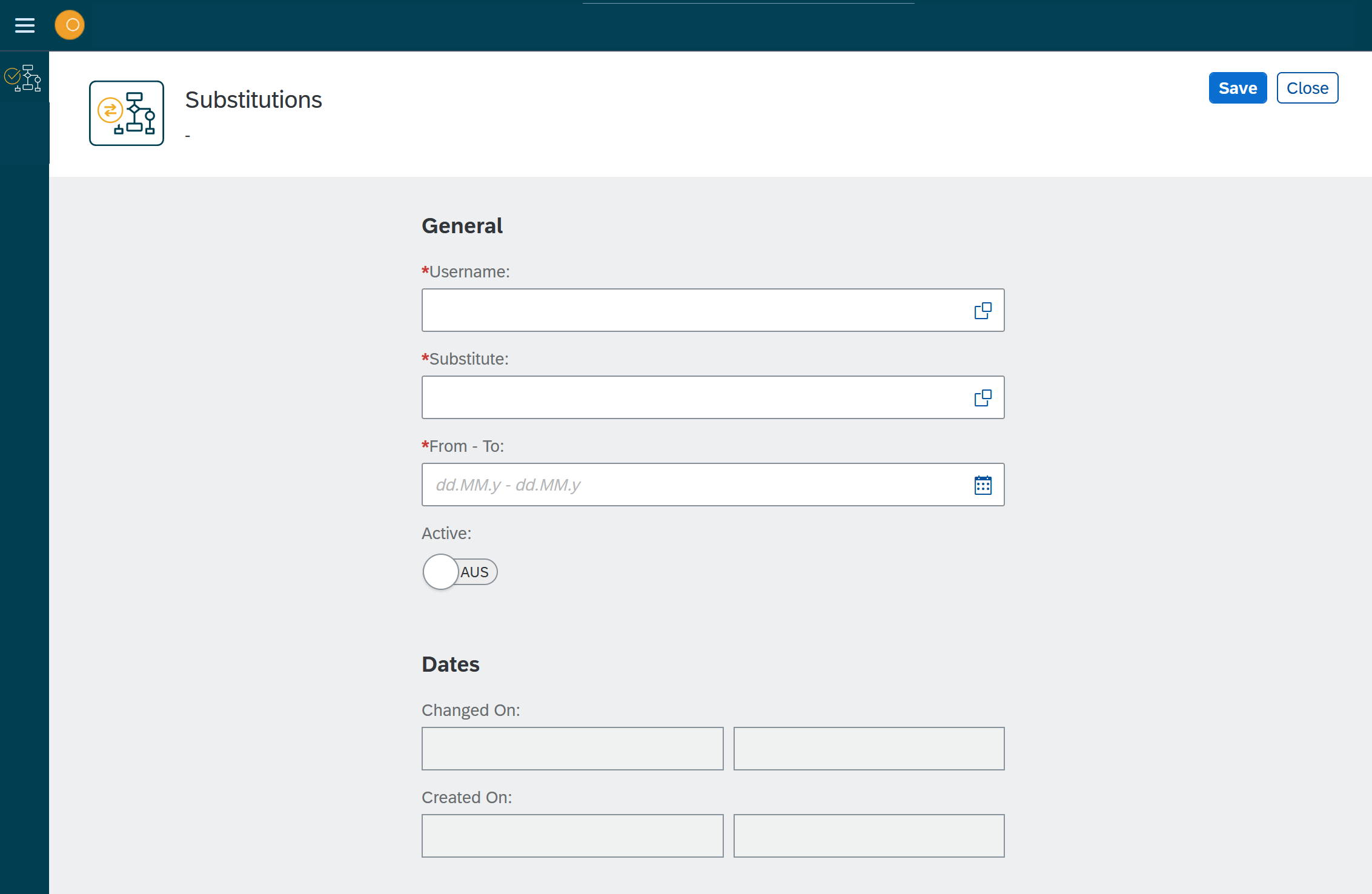
Result: A new window opens.
-
In Username, select the user you want to use as a substitution.
-
In Substitute, select the username you want to substitute.
-
In From-to, select the timespan for the substitution.
-
Toggle the Activate switch.
-
Click Save.