Add a new development package
In this topic, you learn how to create a new development package.
Procedure
-
In the Cockpit, go to Development and click Development Package.
Result: A table with all packages opens.
-
Click Add.
Result: A new window opens.
-
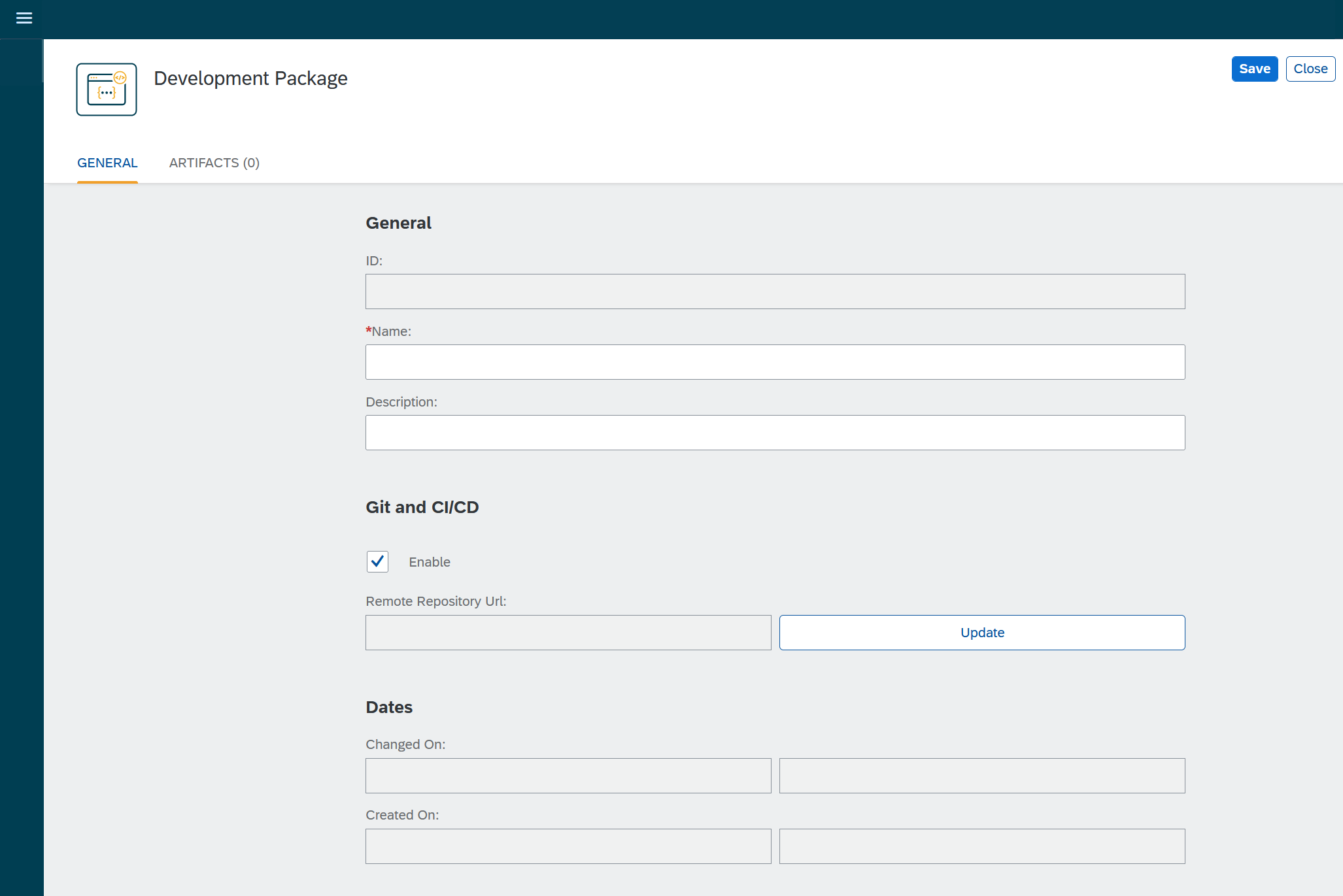
Enter a Name and a Description for the package.
-
Click Save.
-
In the Git and CI/CD section, click Enable to configure the connection to a remote Git repository.
-
Click Update.
Result: The Git connection dialog opens.
-
Enter the URL of the repository.
-
Click Configure authentication to set your personal authentication to the remote repository.
Result: The Authentication dialog opens.
-
For authentication type Basic, enter your Username and Password.
-
For authentication types GitHub, BitBucket, and GitLab, enter your personal access Token.
-
-
Close both dialogs with Ok.
-
Click Save.