Neptune DXP Documentation
Add a new authentication method
In this topic, you learn how to add a new authentication method.
Procedure
-
In the Cockpit, go to Security and click Proxy Authentication.
Result: A list with all existing authentication methods is shown.
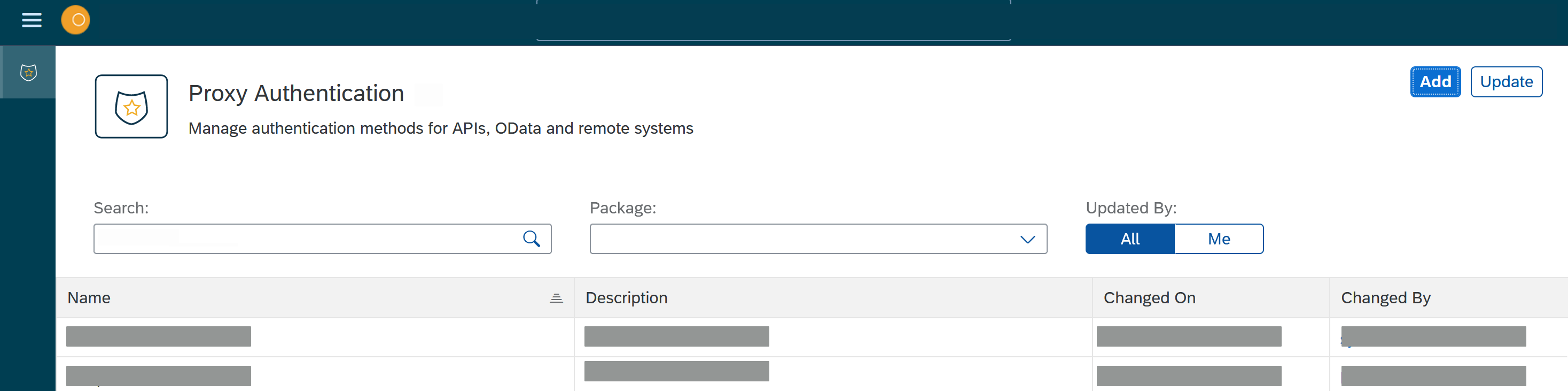
-
Click Add.
-
In the General tab, enter a name for the authentication method.
-
You can enter a Description and choose a Package for the authentication method.
-
You can enter a Type. Depending on your type, a new tab appears where you can make further settings.
-
You can choose to use Cloud Connector.
-
In the Headers tab, you can add a header to the authentication method. A header comprises a name and a value.
-
Click Save.