Neptune DXP Documentation
Add a code snippet
You write your script in the Script editing pane. You can write code from scratch or import existing snippets.
Procedure
-
Right-click on the Script editing pane and select Code Snippets.
Make sure your script is in editing mode. There should be an open-lock-symbol next to your script in the Application component pane.
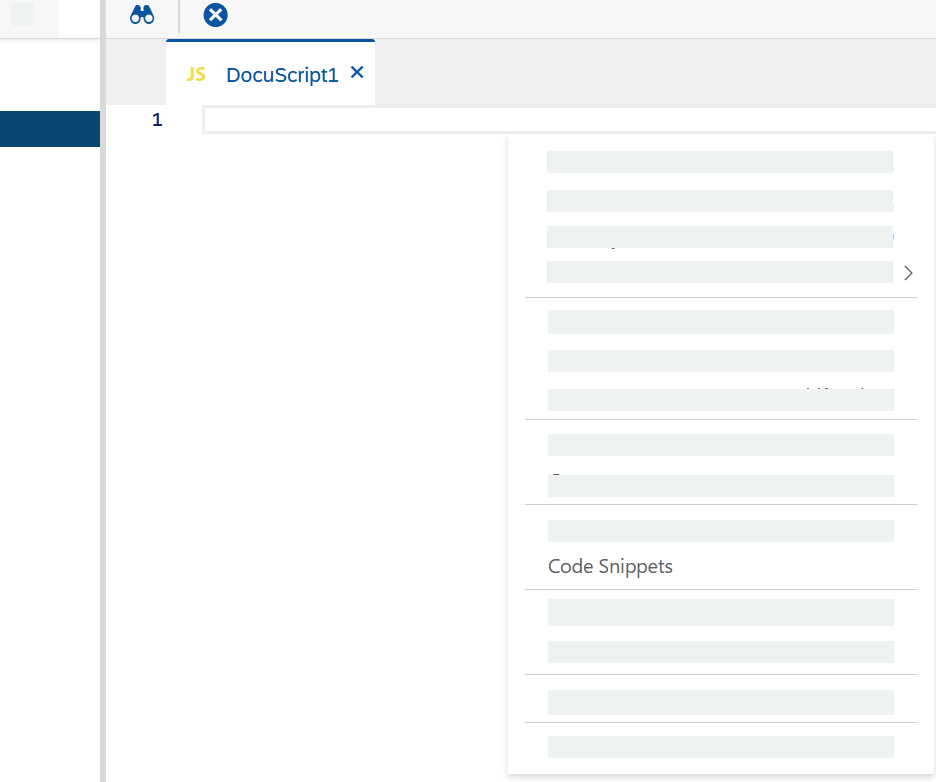
Result: The code snippets dialog opens.
-
Browse or search for a code snippet in the menu on the left.
-
Click the snippet to see the full code.
-
Click Copy to paste the code in your Script editing pane. The dialog closes automatically.