Neptune DXP Documentation
Connect to a remote system
In this topic, you learn how to connect to a remote system that is already available in your system.
Procedure
-
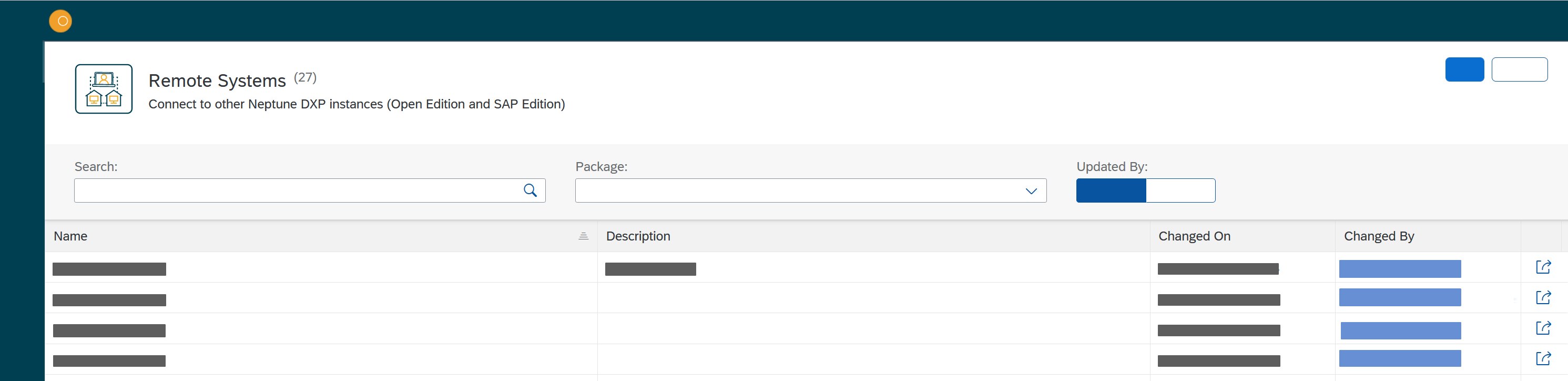
In the Cockpit, go to Security and click Remote Systems.
Result: The Remote Systems window opens with a table of available remote systems.
-
Click the connect symbol of the remote system you want to connect to.
Result: The login screen of the selected remote system opens.
-
Enter the credentials of the remote system.