Neptune DXP Documentation
Add a new user
In this topic, you learn how to add a new user to your system.
Procedure
-
On the Cockpit, go to Security and click User.
Result: The list of existing users opens.
-
Click Add.
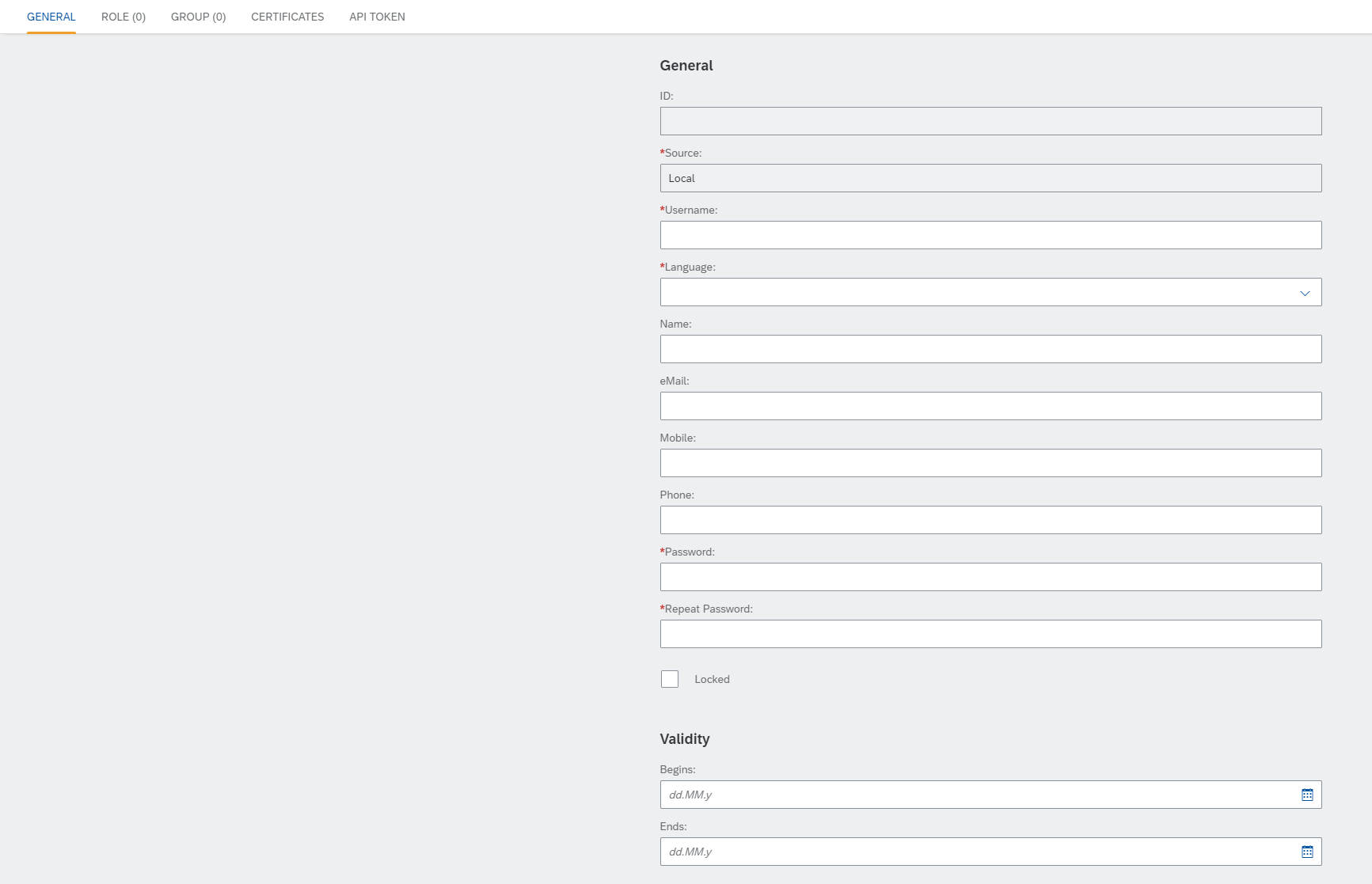
Result: The settings of the user open.
-
In the General tab, enter a username and a password for the user.
-
Choose the language of the user.
-
You can add additional information about the user.
-
You can select a validity for the user. This is used, if you want the user to expire automatically after a certain period.
-
In the Role tab, you can add a role to the user.
You can define roles in the Role service. -
In the API token tab, you can generate an API token for the user. This is used to access Neptune API from an external server.
-
Click Save.