Neptune DXP Documentation
Start a workflow
In this topic, you learn how to start a workflow. To start a workflow, you have to insert a server script in your app or in a external system.
Prerequisites
-
You have created a new workflow in Add a new workflow.
Procedure
-
In the Cockpit, go to Workflow and click Definition.
-
Click the button on the right side of your workflow.
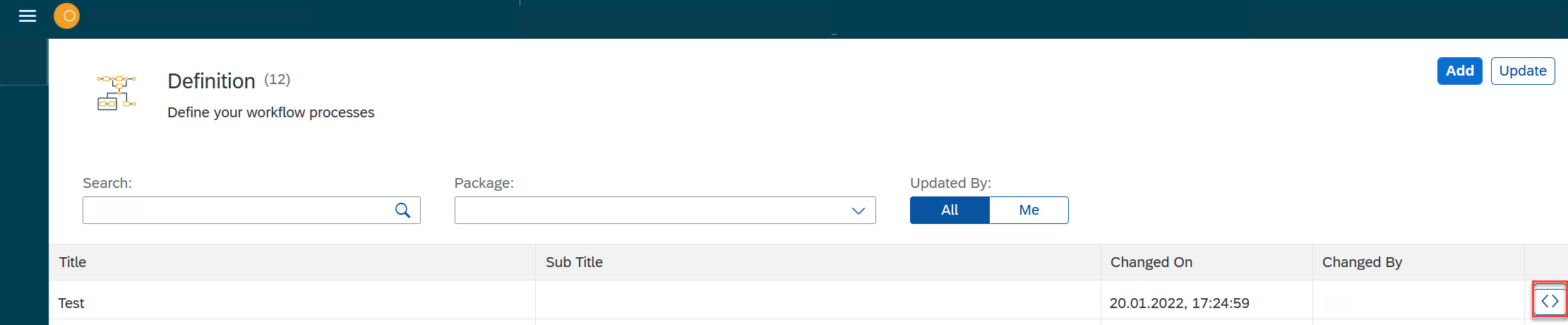
Result: A new window with the server script in
jsonformat opens. -
Copy the code and insert it where you need it.
-
Run the script.