Neptune DXP Documentation
Approve a deployment
In this topic, you learn how to approve the transfer of deployment packages to another remote system.
Prerequisites
-
You have set a deployment authentication in Custom Settings.
Procedure
-
In the Cockpit, navigate to Deployment > Deployment Approve.
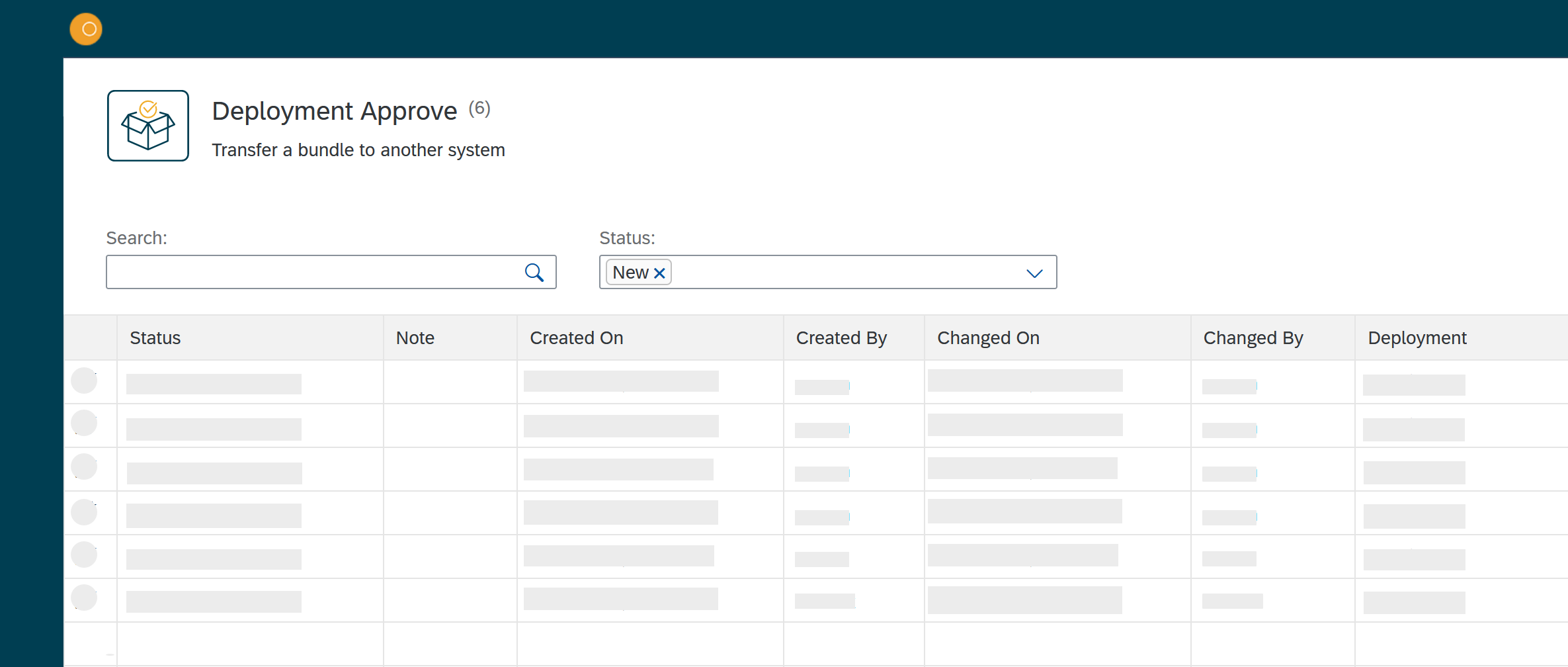
Result: The Deployment approve window opens.
-
In the drop-down menu Status, select New.
-
In the Status column, click the package that you want to approve.
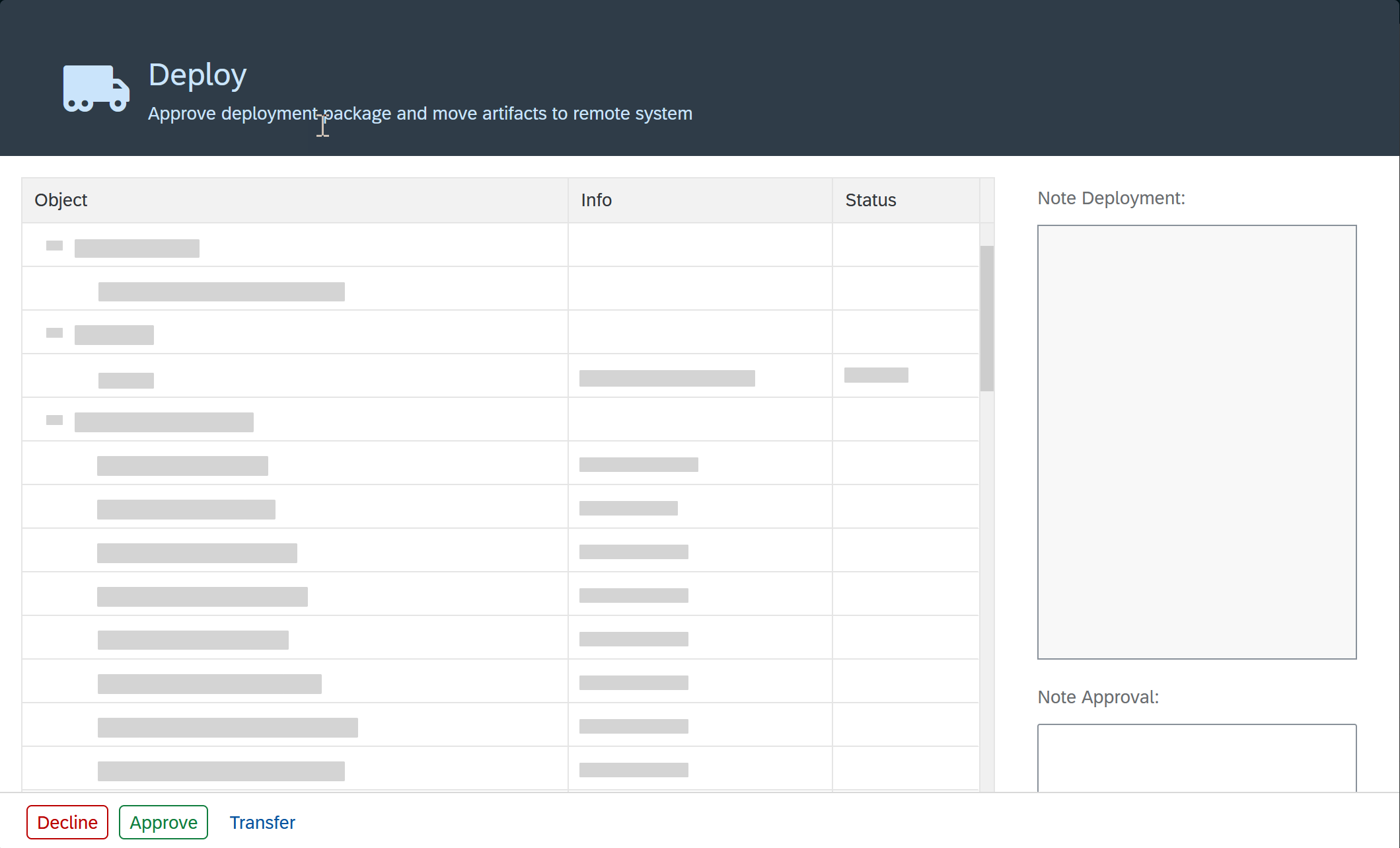
Result: The Deploy window opens.
-
Check the listed development packages and artifacts.
-
Click Accept or Decline.
Results
-
If you have accepted to transfer the deployment package, it will be transferred to the system or systems.
-
If you have declined to transfer the deployment package, the deployment package gets the status "declined" in the list in Deployment Transfer.