Neptune DXP Documentation
Shell bar
The shell bar is the uppermost part of the user interface. It is always visible and gives access to various actions and functions.
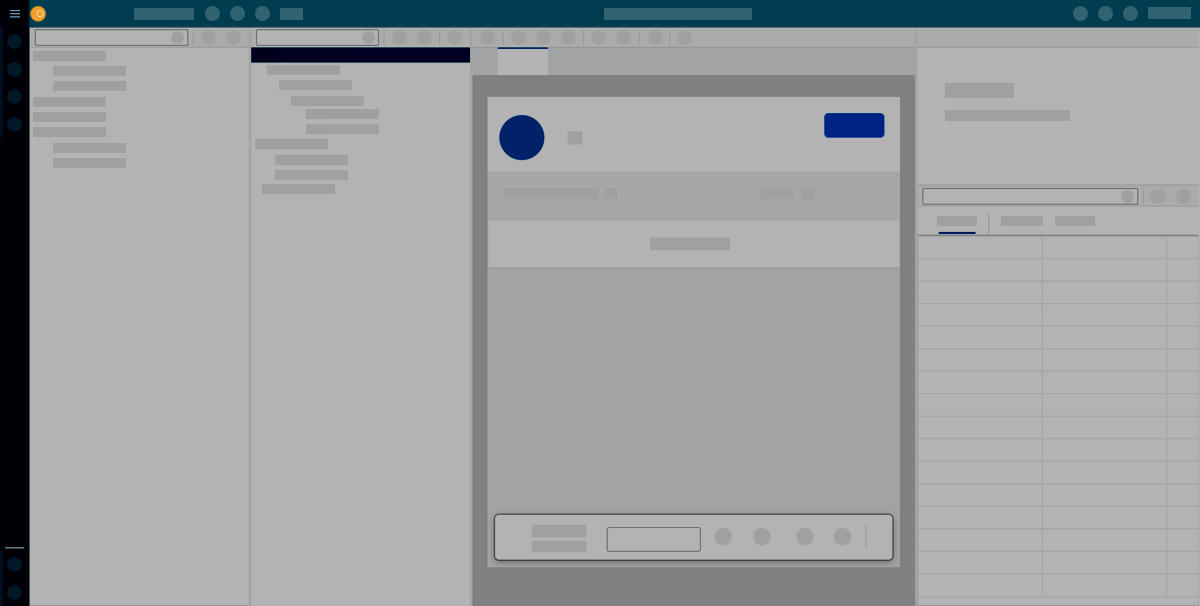
The shell bar includes the following actions and functions:
- Application
-
Open, create, delete, or copy an applications. Import or export applications, or refresh the master data.
- Display/Edit
-
Toggle Edit or Display mode.
- Activate
-
Save and activate your application. This saves changes and restarts the preview with all changes applied.
- Save
-
Save your adaptive application.
- Run
-
Run a preview of the application in a new browser tab.
- Screen views
-
Switch pane layout.
 Toggle the view of the component library and the application tree. Display them stacked in one pane or display them in panes side by side.
 Switch the preview pane with the properties pane.
 Hide the properties pane.