 Tile
A tile is a container that represents an application on the launchpad. With Tile, you can create, assign, and maintain tiles. All applications on the launchpad have at least one corresponding tile. To be displayed on the launchpad, tiles must be grouped in tile groups.
Depending on the application, a tile can show the following content:
-
Icon
-
Title
-
Informative text
-
Numbers
-
Charts
-
Links
The following image shows an example of a launchpad with tiles.
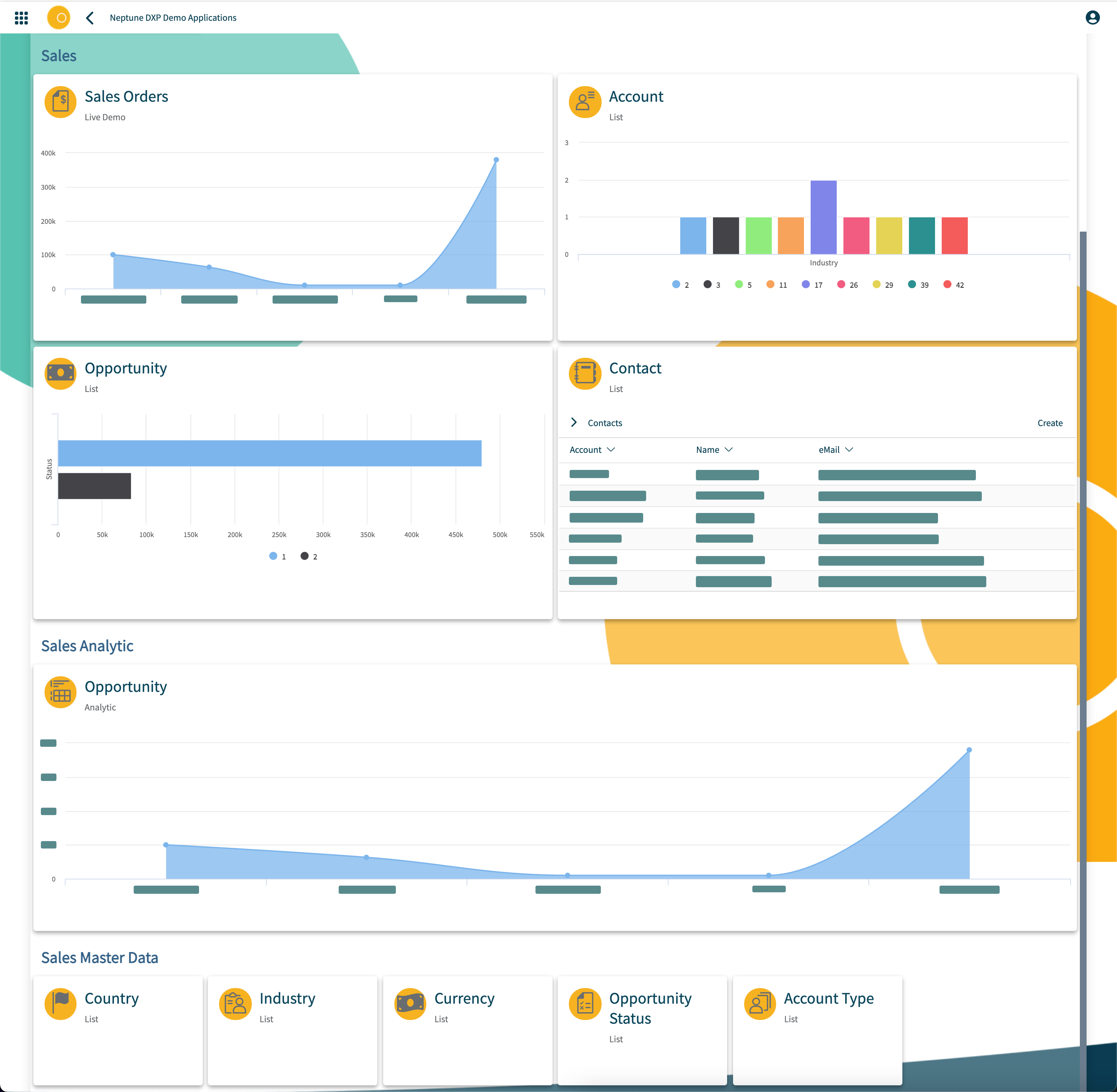
Below the tile area, tiles can include a link to other tiles. Links consist of a title and an optional subtitle and are displayed below the tile are. Most tile types can be converted to links while links can be converted to tiles at any time. Users can personalize their launchpad by selecting the tiles for the applications they want to use from the store.
Responsiveness
The number of tiles that a launchpad shows depends on the screen resolution. If tiles in a group do not fit next to each other, the launchpad moves them to the next row.
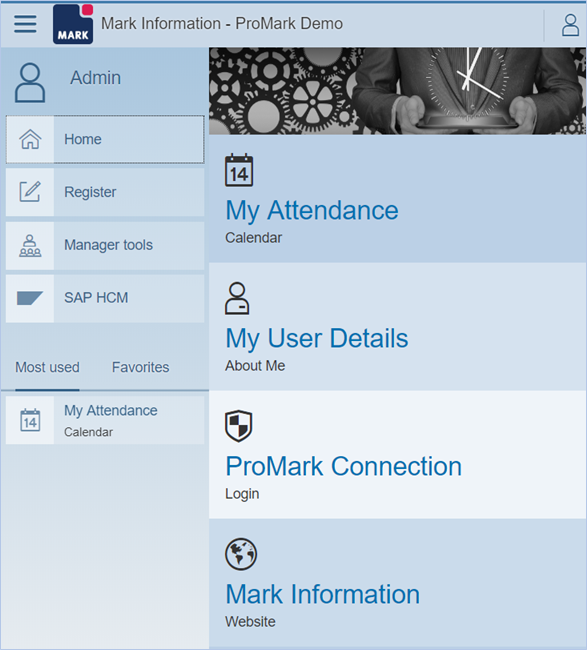
Tiles are not responsive. For mobile devices, Neptune provides a different tile size. The Launchpad automatically renders the tile size for mobile devices. Tiles for smartphones do not need to be adjusted by the application. The tile size for tablets and desktop devices is the same.
The example below shows how the tiles rendered for smaller screen size.