Neptune DXP Documentation
Export a deployment package
In this topic, you learn how to export deployment packages.
Procedure
-
In the Cockpit, go to Deployment, and click Deployment Transfer.
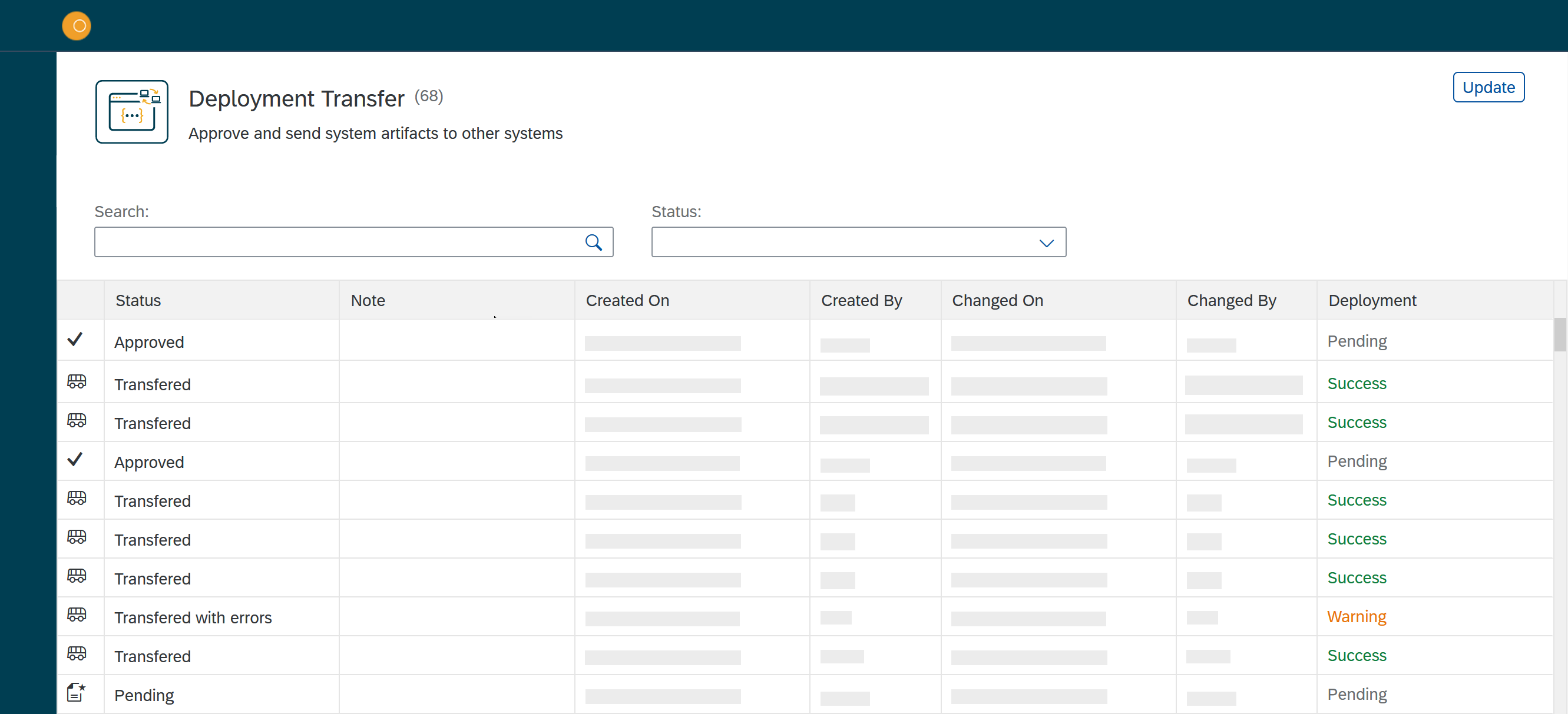
Result: The Deployment Transfer window opens.
-
In the Status column, click the package that you want to export.
Result: The Deploy window opens.
-
Check the listed files and click Export.
Results
-
Deployment Transfer creates a
planet9file out of the deployment package that your browser downloads automatically.