Neptune DXP Documentation
Export applications
You can export an application as file to your local computer or to the Launchpad.
Export an application to your local computer
-
In the Cockpit, open the App Designer and open the app you want to export.
-
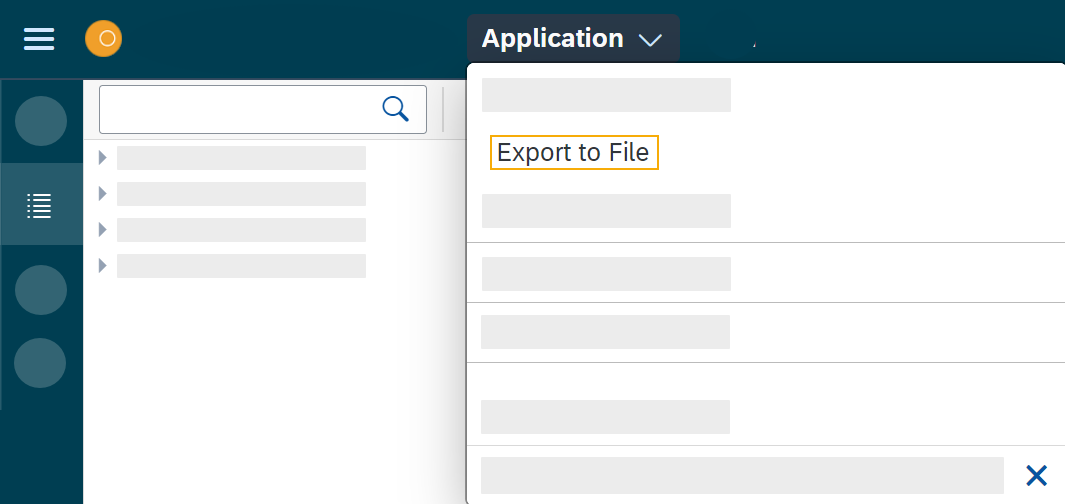
Click Application > Export to File.
Result: The application is stored on your local computer, usually in the Downloads folder.